
Every customer-facing South African business knows WhatsApp is more than a messaging app. It’s a communication channel that can make or break relationships with clients, partners, and prospects. But when it comes to WhatsApp for business, you face a critical choice: should your team use the WhatsApp Business App or the WhatsApp Business API? Both solutions carry the WhatsApp name, yet they serve very different needs and organisational scales.
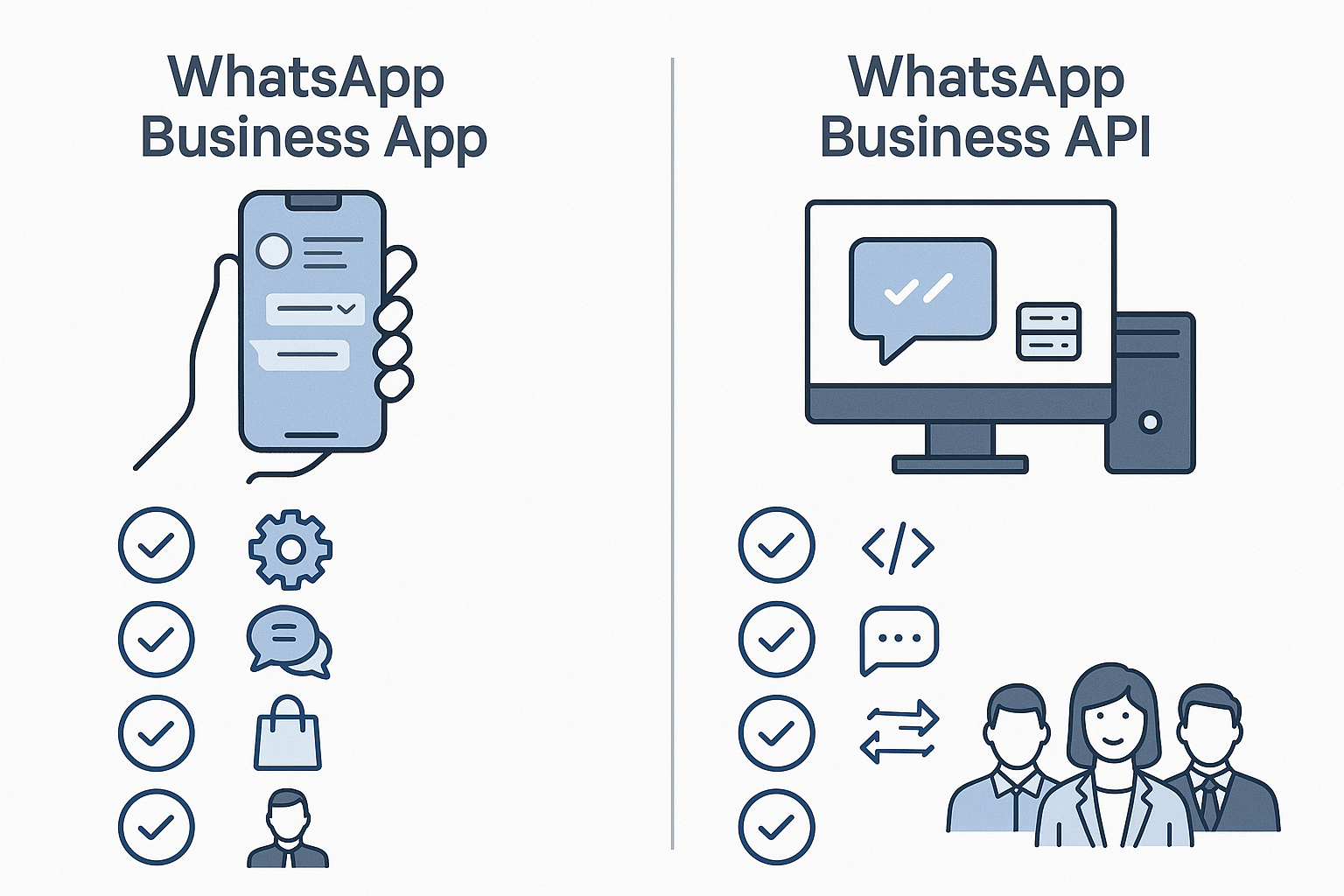
What Distinguishes the WhatsApp Business App?
The WhatsApp Business App is a free, standalone mobile application designed for small businesses or sole proprietors. It runs on a smartphone, often a personal or dedicated business device, and supports basic business communications directly with customers.
South African micro-businesses, informal traders, and small retail outlets often find this app attractive because it’s easy to set up and requires little technical knowledge. It offers features like quick replies, labels to organise chats, and an automated greeting message. You simply download the app from the app store, register your number, and start chatting.
However, the app can only be used on one device per phone number. This limitation poses challenges once a team grows beyond a single user or when multiple customer support agents need simultaneous access.
Typical WhatsApp Business App Use Cases in South Africa
- One-person operations such as a plumber, consultant, or artisan responding directly to client enquiries.
- Small retail outlets handling orders and queries from their single business line.
- Local informal sectors or community shops with limited digital infrastructure.
How the WhatsApp Business API Fits Larger Teams and Automation
By contrast, the WhatsApp Business API is a back-end solution designed for medium to large businesses. It requires technical integration with your existing systems, such as customer relationship management (CRM) platforms or unified inboxes. It’s not an app you download but a service that enables multiple agents to manage WhatsApp conversations from a centralised dashboard.
South African organisations with customer service centres, sales teams, or multi-channel contact strategies find the API indispensable. It supports automation, chatbots, message templates approved by WhatsApp, and compliance controls needed under POPIA.
Because the API connects with other software tools, teams can route conversations, monitor response times, generate reports, and maintain audit trails - essential for regulated industries like finance, healthcare, and telecommunications.
When South African Businesses Should Choose the WhatsApp Business API
- Companies with multiple agents handling high volumes of customer messages.
- Operations requiring integration with CRM or ERP systems for seamless workflows.
- Businesses that need automation such as chatbots, drip campaigns, or notification broadcasts.
- Organisations focused on POPIA compliance and who require greater control over consent and message history.
Comparing Features and Constraints: App vs API
| Feature | WhatsApp Business App | WhatsApp Business API |
|---|---|---|
| Number of Users per Phone Number | One user per device | Multiple users via centralised software |
| Integration with CRM/ERP | Not supported | Full integration possible |
| Automation and Chatbots | Limited to quick replies and greeting messages | Supports complex automation and AI chatbots |
| Message Templates Approval | Not required | Required for outbound template messages |
| Multi-channel Inbox Support | No | Yes, supports unified inbox platforms |
| POPIA Compliance Controls | Basic, manual management | Advanced, automated consent and data handling |
| Cost | Free | Charges per message and integration setup |
Choosing the WhatsApp Business API means investing in scalability, automation, and compliance - but requires technical integration and ongoing management.
Practical Considerations for South African Teams
Before deciding, it helps to understand your business’s current communication workflows and future plans. If your team is small, informal, and rarely exceeds a handful of conversations per day, the WhatsApp Business App might be the best fit. It requires no additional software or cost beyond your mobile data and device.
But if your business is scaling, or you need to offer 24/7 support with handoffs between agents, the API is the solution designed for that complexity. It’s especially relevant in Johannesburg and other metropolitan centres where customer expectations are high, and competition is intense.
One risk is starting with the app, then hitting a wall when volume or team size grows. Migrating from the app to the API is possible but requires thoughtful planning to avoid service disruption and data fragmentation.
Understanding POPIA Compliance with WhatsApp Communications
POPIA requires that businesses handle personal information responsibly, including obtaining explicit consent and securing data. The WhatsApp Business API supports automated consent management tools and audit trails, making it easier to comply. The app, being a simple mobile client, relies on manual processes which may not fully satisfy regulatory scrutiny in larger operations.
How Answer Supports Your WhatsApp Business Integration
At Answer, we specialise in helping South African organisations choose and implement the right WhatsApp solution. We provide platforms that integrate the WhatsApp Business API with your CRM and ERP, create unified inboxes for your agents, and build workflows tailored to your team’s needs.
Our approach recognises that no two businesses are the same. We help you weigh the trade-offs, assess your current capabilities, and plan for growth - ensuring your WhatsApp presence is both professional and scalable.
Key takeaway. The WhatsApp Business App suits small teams needing simplicity and low cost, while the WhatsApp Business API is designed for larger teams requiring integration, automation, and compliance. Understanding your communication volume, team size, and regulatory needs is essential before choosing.
If your team is ready to take the next step in WhatsApp customer engagement, contact Answer today. We’ll discuss your requirements and help you navigate which WhatsApp Business solution fits your South African business best.